
1
Avoid stock mismatch during billing
Stock visibility matters most when sales are happening. Ledgerly keeps inventory near the billing workflow so product movement is easier to review.
Ledgerly helps businesses manage products, stock levels and barcode-supported selling without separating inventory from billing, POS and reporting, making it a stronger stock management app for daily use.
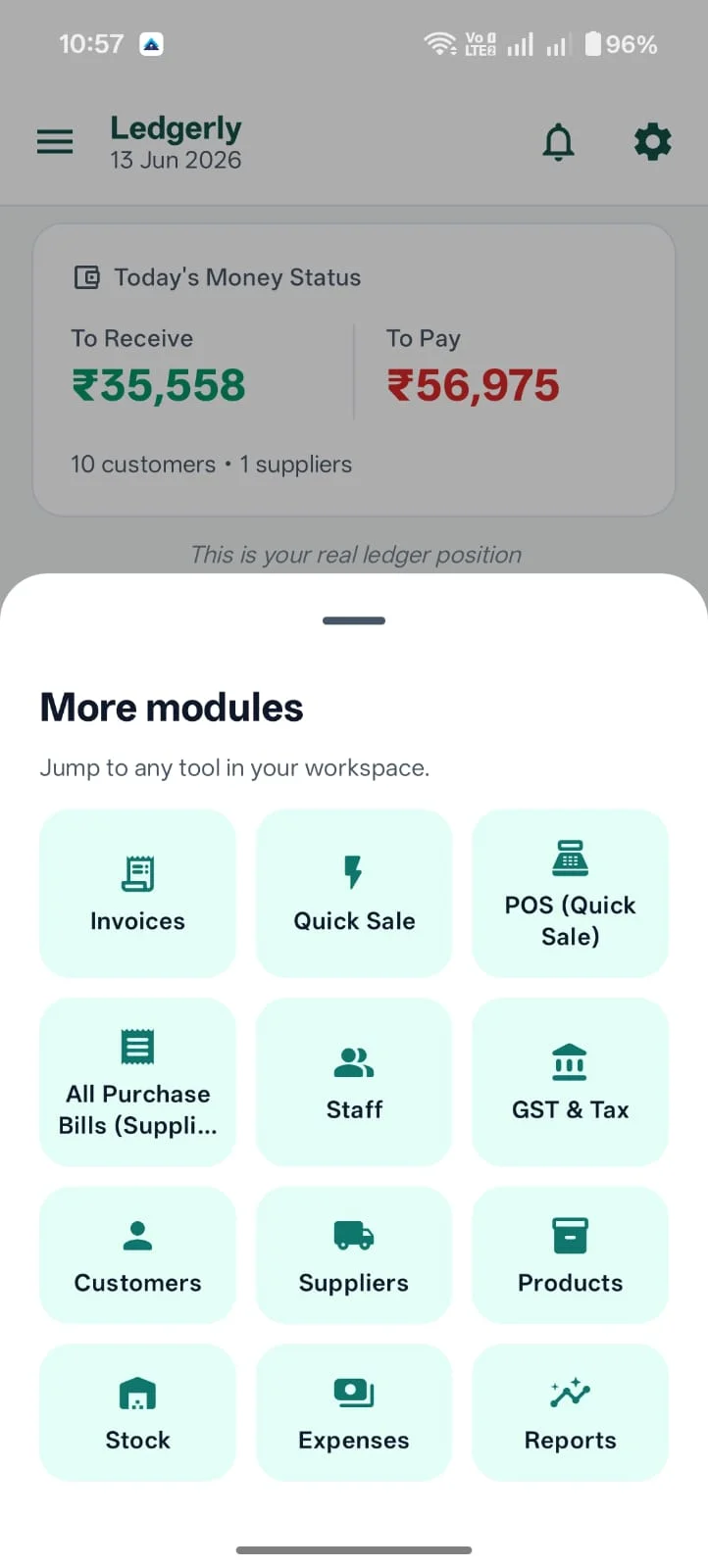
Ledgerly helps retail and wholesale businesses keep stock management closer to sales, GST invoices and reports so owners can avoid manual reconciliation.
Stock visibility matters most when sales are happening. Ledgerly keeps inventory near the billing workflow so product movement is easier to review.
When invoices and stock are handled together, owners get cleaner visibility into items sold, pending dues and business movement.
Ledgerly is useful for shops that want stock, billing, khata and daily reports without maintaining separate spreadsheets.
Businesses lose confidence fast when they cannot connect product movement with daily selling.
Teams know what they sell, but they cannot easily see what is available, moving or running low.
Separate tools create gaps between what was sold and what should still be in stock.
Owners react late when item visibility is poor and stock review is not part of the daily workflow.
Ledgerly connects inventory to the business actions that actually change it, which is why it works as both an inventory management app and stock management app.
Keep items organized so staff can work from a clearer product base.
Inventory becomes more useful when it stays closer to POS and billing screens instead of a separate back office tool.
Use barcode-supported flows and low-stock visibility to make product handling faster and more dependable.
Shops with many items need product stock, low-stock visibility, purchase and sales movement and fewer manual corrections. Ledgerly keeps inventory close to the sales actions that change stock every day.
That matters when the owner wants to know which items are selling quickly, which products need reorder attention and where stock records are not matching counter activity. A connected inventory workflow reduces the need to maintain a separate Excel sheet after billing is already done.
Grocery shops, mobile accessories stores, garment shops, hardware shops, wholesalers and general stores can use Ledgerly when item range grows beyond what a notebook or spreadsheet can handle.
When sales happen through billing or POS billing, the owner should be able to review stock movement and identify fast-moving products without entering the same activity again.
Connected inventory helps reduce out-of-stock surprises, supports reorder decisions and keeps stock records closer to GST billing and small business billing. Use the free profit margin calculator for shops to check margin on any product before setting a selling price.
Real screens from the Android app — modules, billing and reports — connected in one operating system.
Use item-driven sales flows that keep stock closer to the counter experience.
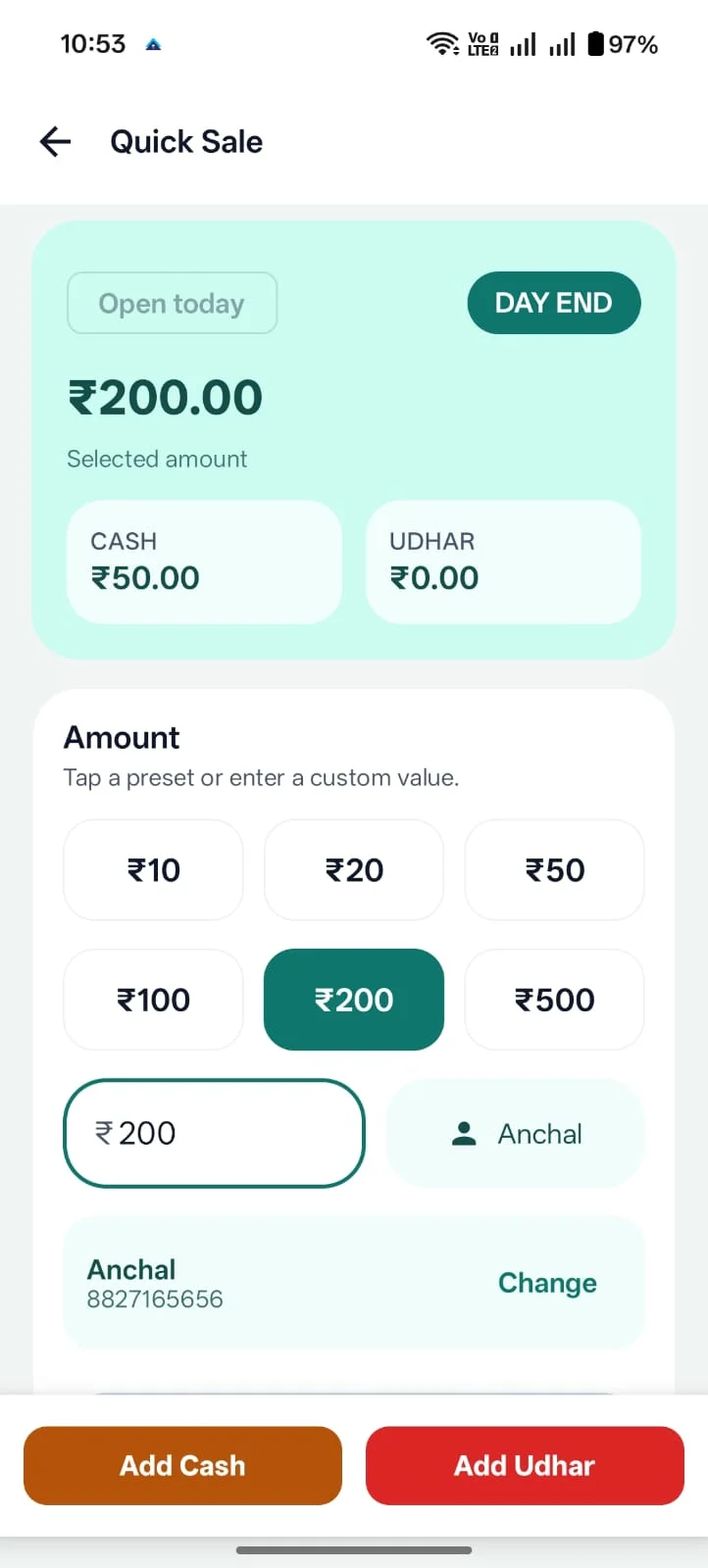
Keep billing and product records in the same operating system.
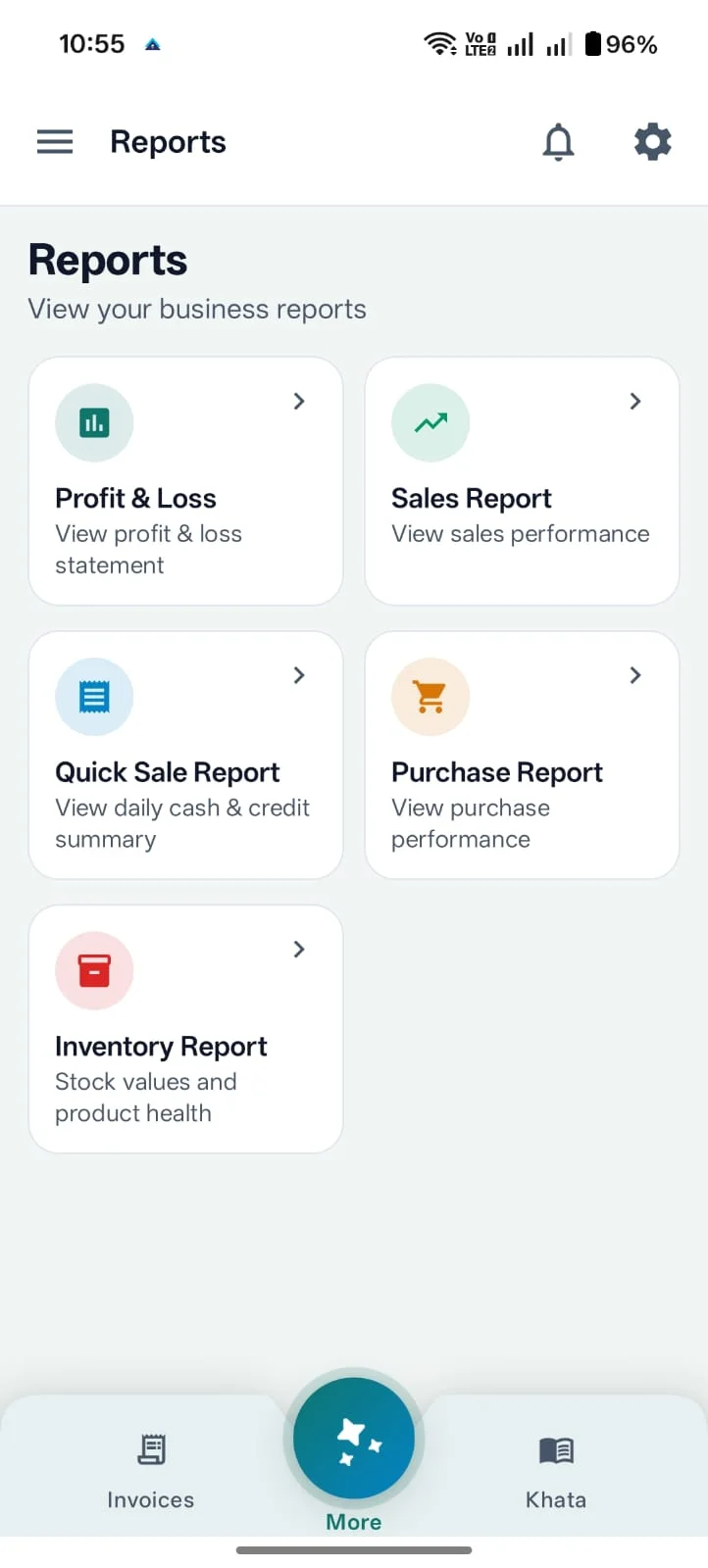
Use reporting views to understand how sales and stock decisions are shaping the business.
Ledgerly keeps products, stock and selling activity in one workflow across web and Android instead of spreading them across multiple tools.
Inventory buyers often compare POS billing, GST billing and broader business software at the same time.