
1
Barcode billing and product search
Counter teams can find products faster and reduce friction during busy sales hours.
Ledgerly helps shops and small businesses handle quick sale, barcode billing, receipts and daily counter billing without slowing down the customer queue, making it a stronger shop billing app for retail use.
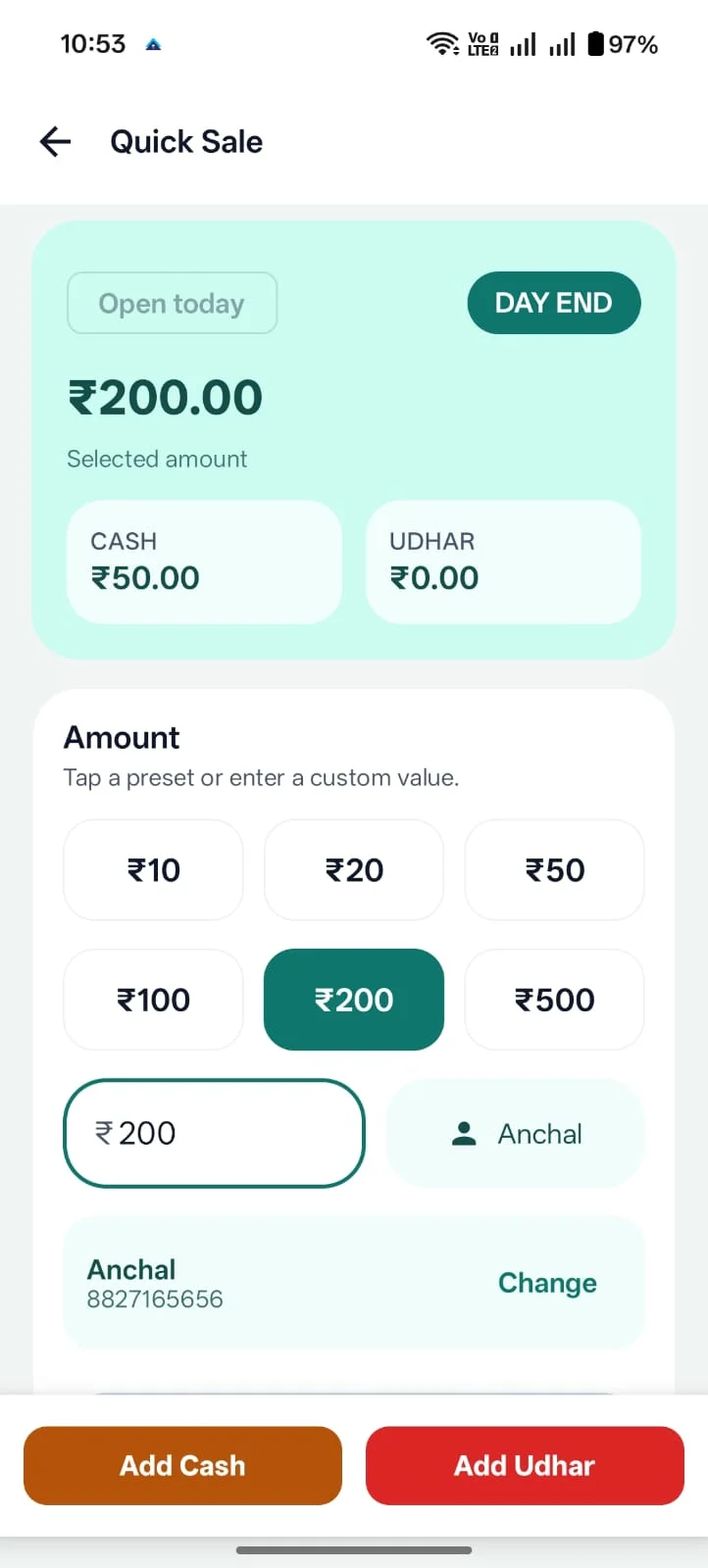
Ledgerly works as a POS billing app for shops that need quick sale entries, barcode-assisted product search, GST billing and stock visibility in one place.
Counter teams can find products faster and reduce friction during busy sales hours.
Retail stores can also use Ledgerly as a GST billing app when counter sales need tax-ready invoices.
For businesses that need stock control, Ledgerly includes an inventory management app connected with billing.
POS-oriented businesses need speed, but they still need enough structure to keep payments, products and reporting accurate.
Too many manual steps at the counter make each transaction slower and create avoidable friction for staff and customers.
Daily cash sales and small entries become harder to review when the checkout system is disconnected from the rest of the business.
Owners lose control when POS activity is not tied to products, dues, receipts and reporting.
Ledgerly keeps counter workflows faster without cutting the rest of the business out of the process.
Use a faster flow when you do not need the full invoice process for every small transaction.
Build a smoother sale path with products, discounts, receipts, barcode billing and payment capture in the same screen flow.
Because Ledgerly is broader than a checkout-only tool, owners can keep POS activity closer to stock, reports and dues.
At the counter, staff need quick product search, quantity changes, discounts, tax, payment mode and print or share-ready receipts. Ledgerly keeps that selling flow close to billing and stock so the owner does not have to reconcile everything later.
This helps during morning and evening rush periods when every extra tap slows the queue. The same sale can still remain useful for daily cash review, product movement and owner reporting after the customer leaves.
Grocery shops, general stores, garment shops, mobile accessory shops and hardware shops can use POS billing when repeated customer transactions need to move quickly.
When inventory updates after billing, owners avoid manual stock correction and get a clearer view of fast-moving items. This connects naturally with the inventory management app workflow.
Some sales only need a quick receipt, while others need a more formal GST invoice. Ledgerly keeps POS billing close to the GST billing app and broader small business billing workflow.
Real screens from the Android app — quick sale, billing and home dashboard.
Use a product and payment flow that is built for faster selling.
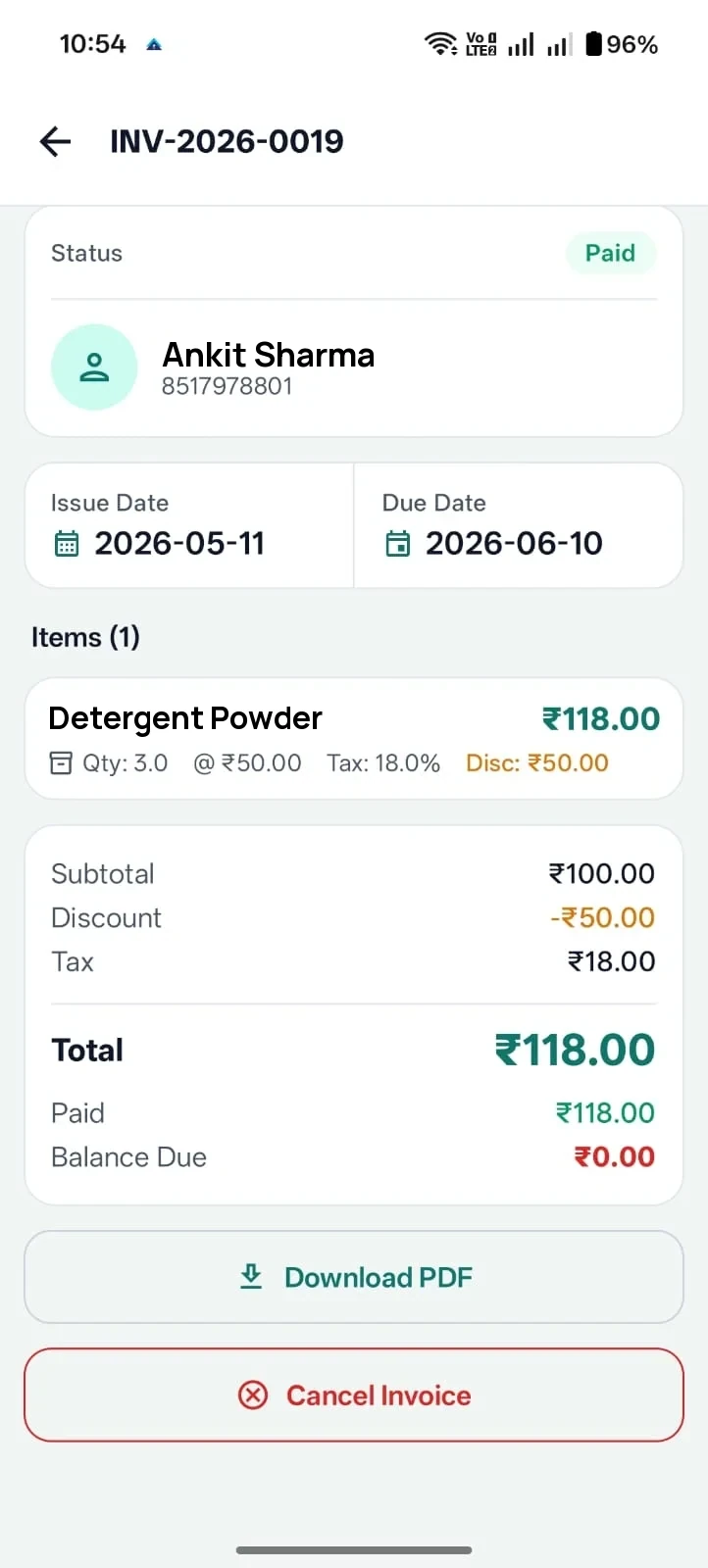
Use the same app when the sale needs a more formal invoice path.
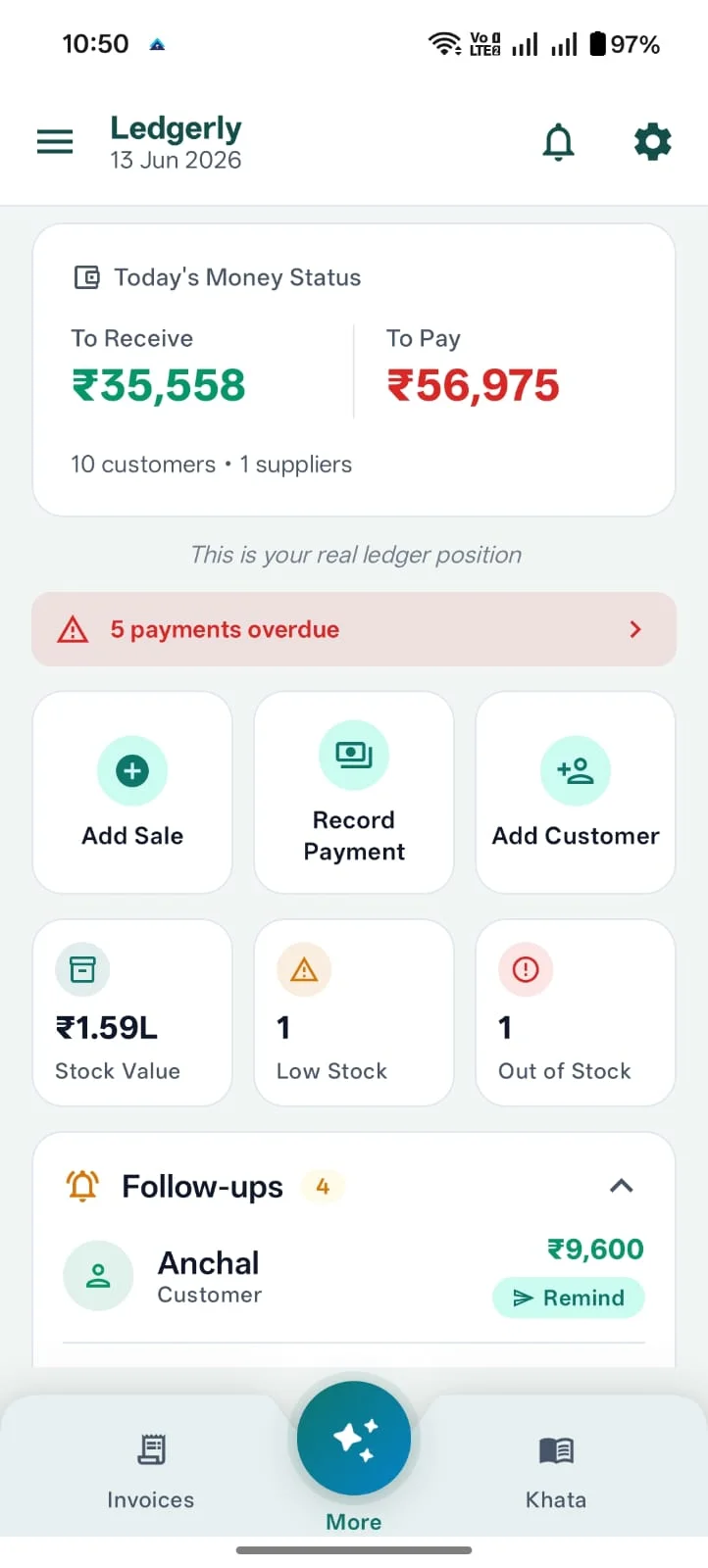
Owners can review the day's cash, dues and follow-ups at a glance.
Ledgerly gives you a faster selling path at the counter without forcing inventory, khata and reporting into separate tools.
Businesses comparing POS tools often also care about stock, GST billing and broader billing software.