
Best Billing Software for Kirana Store in India
India has over 12 million kirana stores — the neighbourhood general stores and grocery shops that form the backbone of Indian retail. Despite their scale and importance, most kirana owners still rely on manual billing, paper khata books and mental calculations. The right billing software changes everything.
The Unique Challenges of Running a Kirana Store
Kirana stores are not typical retail shops. They serve a dense local community with a mix of cash customers, credit regulars and wholesale buyers. The product catalogue spans hundreds of SKUs — from packaged goods and staples to personal care items — many of which carry GST at different rates. This complexity, combined with high transaction volume, makes billing software a necessity rather than a luxury for growing kirana stores.
The key challenges kirana owners face with billing are speed, khata management and stock tracking. At peak hours, customers cannot wait while the owner manually calculates totals. Regular customers expect their credit to be tracked accurately. And running out of fast-moving items means lost sales — so inventory visibility matters enormously.
Most generic billing software is not built for this reality. It is either too slow, too complex or lacks the khata features that kirana stores depend on. What kirana owners need is a simple, fast app that handles billing, credit and stock in one place.
Must-Have Features for Kirana Store Billing Software
- Fast billing: Item search should be instant. Adding products by barcode or name should take under 5 seconds per item. The bill should be ready in under a minute even for a full grocery purchase.
- Customer khata: Credit customers are a fact of life at kirana stores. The billing system should automatically update the customer's khata balance when a credit sale is made.
- Inventory tracking: Stock should auto-deduct when a sale is made. Low-stock alerts should notify you before you run out of popular items.
- GST handling: GST rates vary by product category. The software should store the correct GST rate per product and apply it automatically on every bill.
- Works on phone: Kirana owners are busy. A mobile app that works on the same Android phone they already carry is far more practical than desktop-only software.
How Ledgerly Serves Kirana Store Owners
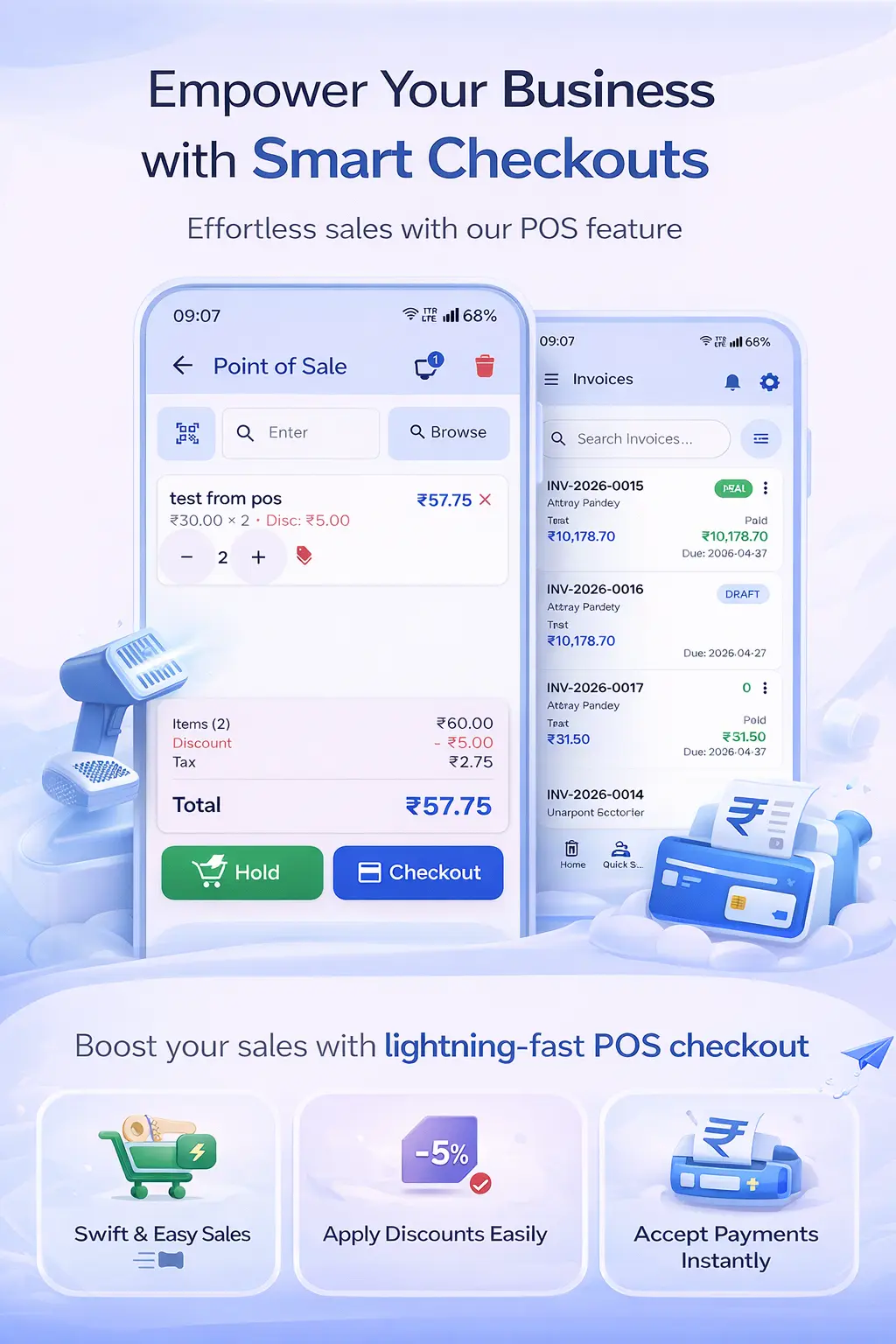
Ledgerly's Kirana Store Billing solution is purpose-built for the needs of grocery and general stores. Billing is fast enough for rush-hour checkout — search for an item, enter quantity, move to the next. The checkout summary shows the total instantly with GST calculated automatically per product.
The integrated Khata App means credit sales flow seamlessly into the customer's ledger without any extra steps. When a regular customer comes to pay their monthly dues, you can see the exact balance, record the payment and share a receipt on WhatsApp in under 30 seconds.
Inventory tracking in Ledgerly deducts stock automatically with every sale. When a product falls below your set minimum quantity, you get an alert so you can reorder in time. For kirana stores that reorder from the same suppliers regularly, this prevents the costly situation of running out of fast-moving items.
For complete GST billing, the GST Billing App handles all GST rates across your product range — whether it is 0% on raw staples, 5% on packaged food, or 12/18% on other goods. You set the rate once per product and it applies correctly on every invoice thereafter.
Step-by-Step: Setting Up Ledgerly for Your Kirana Store
- Download Ledgerly from Google Play or open app.ledgerly.biz and create your business profile.
- Add your product catalogue. Start with your 50 most-sold items — you can add more over time.
- Set GST rates for each product category (0%, 5%, 12%, 18% as applicable).
- Add your regular credit customers with opening balances from your paper khata.
- Set minimum stock levels for fast-moving items so you receive timely reorder alerts.
- Start billing from Ledgerly. Share the bill on WhatsApp or print it via Bluetooth thermal printer.
Frequently Asked Questions
My kirana store has 500+ products. Can I manage all of them in Ledgerly?
Yes. Ledgerly supports large product catalogues. You can import products from a CSV file rather than adding them one by one. Products can be organised into categories for faster search during billing.
Does Ledgerly work without a billing machine or computer?
Yes. Ledgerly runs entirely on your Android phone. You do not need a separate billing machine, barcode scanner or computer. Though if you want to use a Bluetooth thermal printer or barcode scanner, Ledgerly supports those too.
Can I give discounts to regular customers?
Yes. Ledgerly supports both item-level and invoice-level discounts. You can also set customer-specific discount percentages for regulars so the discount applies automatically when you select that customer.
What happens if I sell the same item in different units — like loose rice by kg vs packaged bags?
Ledgerly supports multiple units of measure per product. You can set up "Rice (Loose)" per kg separately from "Rice (5kg Bag)" as a separate product. Each tracks inventory independently.
The Billing App Built for Kirana Stores
Fast billing, digital khata and inventory tracking — everything your kirana store needs in one app. Try Ledgerly free today.
Try Ledgerly Free