
Billing Software with Staff Attendance — Manage Bills and Staff Together
Running a shop with employees means managing two separate and equally important operations: billing customers and managing your staff. Most small business owners juggle these with separate tools — or worse, with paper registers for both. Combining them in one app changes everything.
The Challenge of Managing Staff in a Small Shop
For a small business with 2 to 15 employees, staff management is a significant but often poorly handled responsibility. Without a proper system, attendance is tracked on paper registers that can be altered, lost or simply not filled. Salary calculations at month end become a manual exercise in counting days, accounting for half-days, late arrivals, overtime and advances — all from scattered paper notes.
This creates two problems. First, payroll mistakes — either overpaying due to missing deductions or underpaying due to missed overtime, both of which damage trust. Second, it consumes significant owner time at the end of every month when the billing, purchasing and other operations still need attention.
When staff attendance and billing are managed in separate systems that do not talk to each other, you also lose the ability to correlate staffing levels with sales performance. On which days are sales highest? Are you properly staffed for peak hours? These questions cannot be answered when data lives in separate, disconnected systems.
What a Combined Billing and Staff Management System Offers
- Single source of truth: One app for billing, khata, inventory and staff — everything synced in real time.
- Accurate attendance records: Digital attendance with timestamps — no more paper register that anyone can fill in retrospectively.
- Automatic salary calculation: The system calculates monthly salary based on days attended, deductions for absences and any advances paid — giving you an accurate payroll with no manual arithmetic.
- Advance and salary tracking: Track salary advances per employee so they are automatically deducted from the next salary payout.
- Reduce disputes: When salary is calculated transparently from digital attendance records, disputes with staff become rare.
How Ledgerly Combines Billing and Staff Management
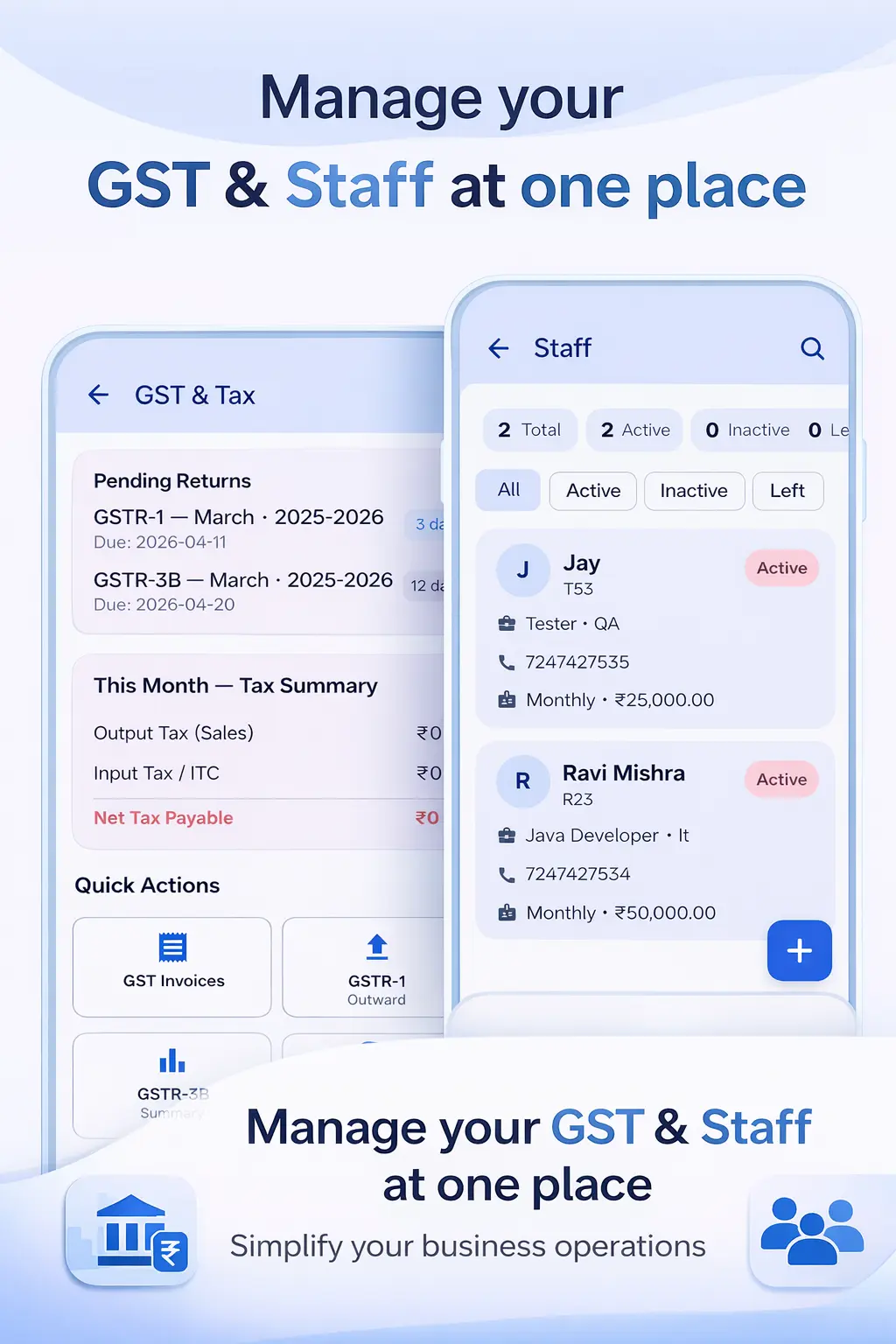
Ledgerly's Staff Attendance and Payroll App is built into the same platform as the GST billing and khata features. You do not need to log into a separate app or maintain separate records. Your billing counter and your staff management run from the same dashboard.
Adding staff is simple — name, role, salary amount and joining date. Each day, you mark attendance directly from the app. Ledgerly records the timestamp of the check-in for each staff member. At the end of the month, the payroll calculation is done automatically based on the attendance data.
The GST Billing App runs alongside staff management without any interference. Your billing staff can use the billing features of Ledgerly without seeing sensitive payroll data. Role-based access controls what each user can see and do within the app.
For a comprehensive walkthrough of the staff features, the How to Use guide covers staff setup, attendance marking, advance tracking and payroll generation with step-by-step instructions.
Step-by-Step: Setting Up Staff Management in Ledgerly
- Open Ledgerly and go to the Staff section from the main menu.
- Add each employee — name, mobile number, role (cashier, sales staff, helper etc.) and monthly salary.
- Set the attendance cycle — typically monthly, aligned with your salary payment date.
- Each working day, mark attendance for each staff member — Present, Absent or Half-Day.
- Record any salary advances when given — these are automatically tracked against the employee's account.
- At month end, tap "Generate Payroll." Ledgerly shows each employee's earned salary after deductions for absences and advances.
- Record the salary payment. Staff can be sent their salary slip as a PDF on WhatsApp.
Frequently Asked Questions
Can staff mark their own attendance using the app?
Yes. You can give staff members limited access to Ledgerly to mark their own attendance. Alternatively, the shop owner or manager can mark attendance for all staff in the morning from their own device. Both approaches work well for small businesses.
Does Ledgerly handle weekly off days in the salary calculation?
Yes. You set the weekly off day (typically Sunday) for your shop. Ledgerly excludes these days from the attendance calculation automatically, so the monthly payable days are calculated correctly.
Can I track overtime for staff who work extra hours?
Yes. Ledgerly supports overtime tracking. You can set an overtime rate per employee, mark overtime hours on specific days and the additional amount is added to the monthly payroll automatically.
How secure is the payroll data in Ledgerly?
Payroll and staff data in Ledgerly is visible only to users with admin or manager access. Billing staff have access only to billing features. All data is stored securely in the cloud with encryption.
Manage Your Shop and Your Staff From One App
GST billing, digital khata, inventory and staff attendance — all in Ledgerly. Try it free today, no credit card needed.
Try Ledgerly Free