
GST Invoice Format for Small Business — Mandatory Fields Explained
Getting your GST invoice format right is not optional — it is a legal requirement under the GST Act. An incorrectly formatted invoice can cause problems during GST filing, deny your customers the input tax credit they are entitled to and trigger notices from the GST department. This guide explains every mandatory field clearly.
Who Needs to Issue a GST Invoice
Every GST-registered supplier of goods or services is required to issue a tax invoice for each supply. This applies to businesses with annual turnover above the GST registration threshold (currently ₹40 lakhs for goods, ₹20 lakhs for services in most states). Businesses under the Composition Scheme issue a "Bill of Supply" instead of a tax invoice — a slightly different format with specific restrictions.
For B2B transactions (selling to another GST-registered business), getting the invoice format right is critical because the buyer can only claim input tax credit if your invoice is correctly formatted and properly filed. A missing GSTIN or an incorrect HSN code can lead to the buyer's ITC claim being rejected during GST reconciliation.
Mandatory Fields on a GST Tax Invoice
Under Rule 46 of the CGST Rules, a GST tax invoice must contain the following fields. Missing even one of these makes the invoice non-compliant:
- Supplier's name, address and GSTIN
- Consecutive invoice number — a sequential number within a financial year, unique to the supply
- Invoice date
- Recipient's name, address and GSTIN (for B2B supplies) — for B2C supplies, name and address if the invoice value is above ₹50,000
- Place of supply — the state where the supply takes place (determines whether CGST/SGST or IGST applies)
- HSN code — the Harmonised System of Nomenclature code for goods, or SAC code for services
- Description of goods or services
- Quantity and unit of measure — for goods
- Taxable value — the value of supply before adding GST
- GST rate and amount — split as CGST + SGST (intrastate) or IGST (interstate)
- Total invoice value — the final amount payable including GST
- Signature or digital signature of the supplier or authorised representative
CGST + SGST vs IGST — Which Applies to Your Invoice
The type of GST you charge depends on whether the supply is within the same state (intrastate) or between different states (interstate):
- Intrastate supply: Both you and the buyer are in the same state. You charge CGST + SGST, each at half the applicable GST rate. For example, 18% GST = 9% CGST + 9% SGST.
- Interstate supply: You and the buyer are in different states. You charge IGST at the full GST rate. For example, 18% GST = 18% IGST.
Most retail and small business transactions are intrastate — CGST + SGST applies. Use the free GST Invoice Format reference and Invoice Generator to create compliant invoices quickly.
How Ledgerly Handles GST Invoice Compliance Automatically
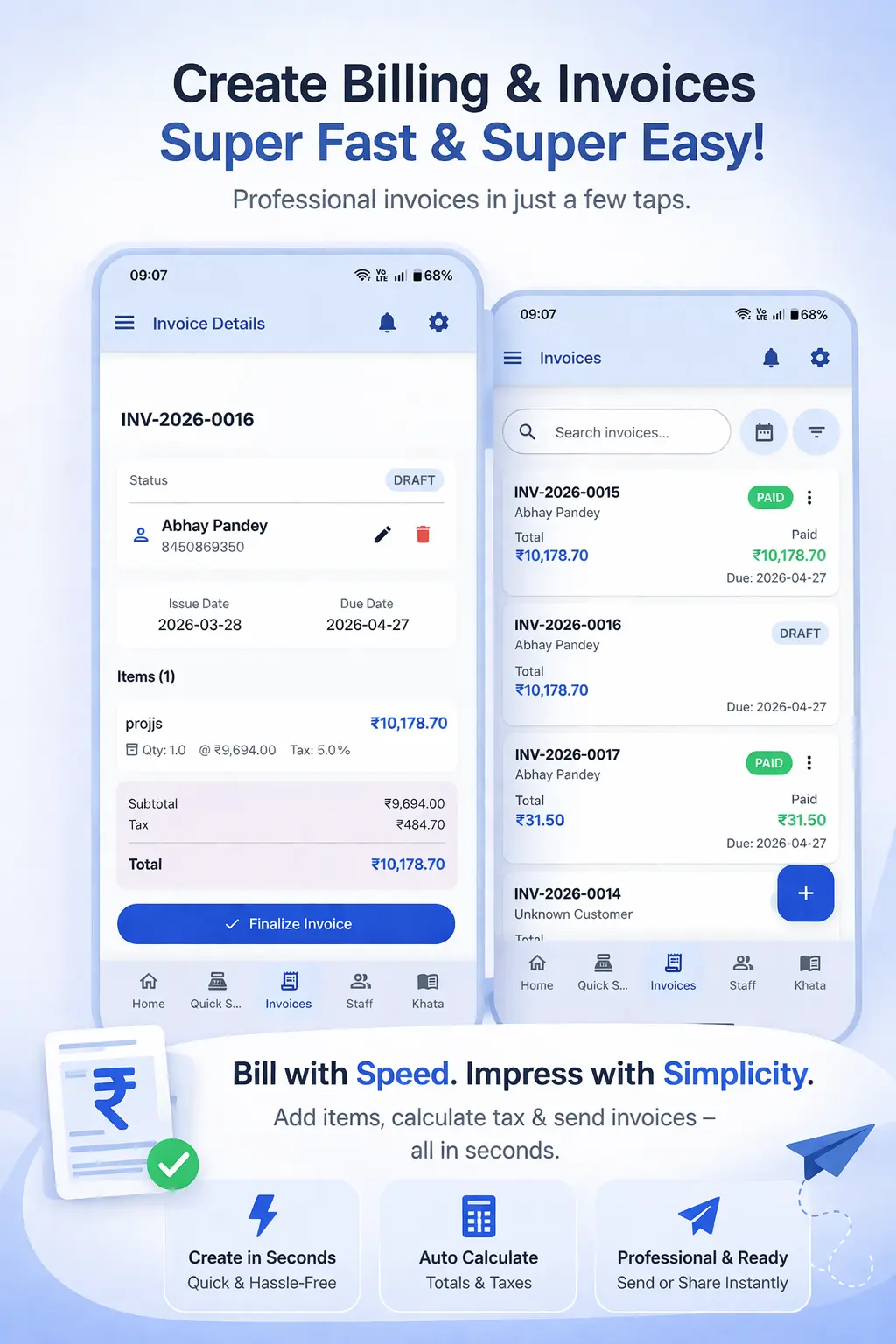
Ledgerly's GST Billing App fills all mandatory fields automatically on every invoice. You set up your GSTIN and business details once. You add HSN codes for each product once. After that, every invoice you generate through Ledgerly includes all mandatory fields in the correct format — CGST/SGST split, HSN codes, sequential invoice numbering and all.
When you are selling to a GST-registered business customer, you add their GSTIN once to their customer profile. Every subsequent invoice for that customer includes their GSTIN automatically — no manual entry on each invoice.
The place of supply is determined automatically based on your shop state and the customer's state. If they are in the same state, Ledgerly applies CGST + SGST. If they are in a different state, it applies IGST. You do not need to know or remember the rule — the app handles it.
Step-by-Step: Generating a Compliant GST Invoice with Ledgerly
- Set up your business profile with your shop name, address, state and GSTIN.
- Add each product with its HSN/SAC code, description, unit and GST rate.
- Add customer profiles for regular business customers — include their GSTIN for B2B invoicing.
- Create a new invoice, select the customer and add products to the cart.
- Ledgerly auto-fills: invoice number, date, GSTIN, HSN codes, CGST/SGST split and total.
- Tap "Save." Share the PDF on WhatsApp or print via Bluetooth printer. The invoice is fully GST-compliant.
Frequently Asked Questions
What is the HSN code and do I need it on every invoice?
HSN (Harmonised System of Nomenclature) codes classify goods for GST purposes. Businesses with turnover up to ₹5 crore need 4-digit HSN codes; above ₹5 crore need 6 digits. Service providers use SAC codes instead. You can look up HSN codes using the free HSN/SAC Code Finder tool.
Can I issue a GST invoice without a GSTIN if I am not registered?
No. Only GST-registered businesses can issue tax invoices with GST. If you are not registered, you issue a regular invoice without GST. You should not collect GST if you are not registered — that would be illegal.
What is the time limit for issuing a GST invoice after a sale?
For goods, the invoice must be issued at or before the time of delivery. For services, within 30 days of providing the service (45 days for banks and financial institutions). Issuing invoices promptly with proper billing software keeps you within the time limits automatically.
Is a handwritten GST invoice valid?
A handwritten invoice is technically valid if it contains all mandatory fields. However, it is extremely difficult to ensure all fields are present and correctly filled by hand every time. Digital billing software like Ledgerly eliminates this risk by making every invoice automatically compliant.
Generate 100% GST-Compliant Invoices Automatically
Every Ledgerly invoice includes all mandatory GST fields — GSTIN, HSN codes, CGST/SGST split and sequential numbering. Start free today.
Try Ledgerly Free