
How to Manage Daily Cash in Your Shop — Opening, Closing and Expense Tracking
Cash is the lifeblood of a small shop. How much came in today? How much went out on purchases and expenses? Is the cash in the drawer matching what the billing software says? These questions need answers every day — and getting them should take minutes, not an hour of manual counting and calculation.
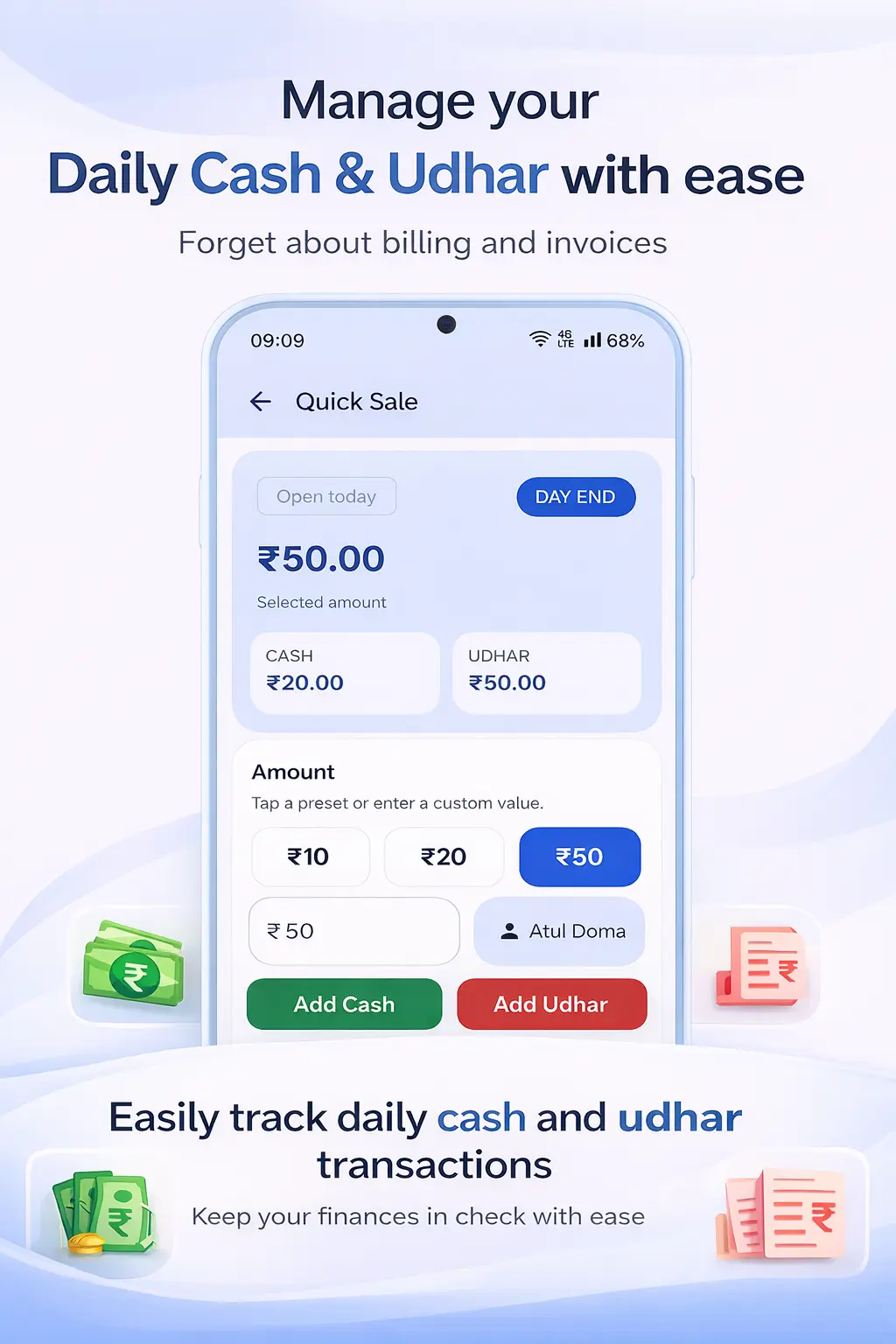
Why Daily Cash Management Gets Messy for Small Shops
Most small shop owners have a rough mental model of their daily cash — they count the drawer at closing and compare it to how much they remember starting with. This works well enough when you have low transaction volumes. But as business grows, this approach breaks down in predictable ways.
Cash that came in from sales gets mixed with cash advances from the owner. Petty cash expenses — tea, auto fare, stationery — are paid from the drawer without any record. Payments received from khata customers are pocketed without being entered into the day's cash record. By closing time, the drawer count does not match what it should be, and there is no way to know where the difference came from.
Over time, these daily discrepancies accumulate. Some are genuine errors — change given wrong, an entry missed. Some are larger problems. Without daily cash tracking, you cannot distinguish between the two. And you cannot manage what you cannot measure.
The Simple Daily Cash Management System
A solid daily cash management routine has five components:
- Opening balance: The cash in the drawer at the start of the day. This should match yesterday's closing balance.
- Cash sales: All payments received in cash during the day — from new sales and from khata collections.
- UPI/digital receipts: Tracked separately from cash — these do not affect the physical drawer count.
- Cash expenses: Every expense paid in cash from the drawer — purchases, petty cash, staff advances, transport. Recorded immediately when paid.
- Closing balance: Opening + Cash received − Cash expenses. This should match the physical drawer count. Any difference indicates an error that needs to be found.
When you do this every day, discrepancies are small and easy to find. When you let it slip for a week, you have a much bigger problem to untangle.
How Ledgerly Helps You Track Daily Cash
Ledgerly's Khata App includes a daily cash book feature where you can record your opening balance and all cash inflows and outflows through the day. Every sale you create through Ledgerly's billing automatically appears in the cash flow for that day — no duplicate entry needed.
For expenses, you can record petty cash payments as expense entries throughout the day. Categorise them (transport, stationery, supplier payment, staff advance) so you can see where cash is going over time. At day end, the closing balance is calculated automatically from the entries.
The GST Billing App records each payment mode — cash, UPI or credit — when you create an invoice. This means your cash received figure is always accurate as long as you are billing through Ledgerly. No counting, no adding up receipts — the system has already tracked it.
For a complete guide to all Ledgerly features including cash tracking, see the How to Use guide.
Step-by-Step: Daily Cash Management with Ledgerly
- Morning — Set opening balance: Open Ledgerly, go to Cash Book and set today's opening balance by counting the physical drawer cash.
- Throughout the day — Bill all sales: Every sale through Ledgerly is recorded with the payment mode (cash/UPI/credit). Cash sales automatically add to today's cash inflow.
- Record khata payments: When customers pay their outstanding dues in cash, record the jama entry in Ledgerly. This adds to today's cash inflow.
- Record expenses: Every time you take cash from the drawer for an expense, record it as an expense entry in Ledgerly immediately — do not wait until evening.
- Evening — Count and reconcile: Count the physical drawer. Compare to Ledgerly's calculated closing balance (opening + cash in − cash out). Any discrepancy needs to be investigated.
- Review the daily summary: Check total sales, cash sales vs UPI, expenses by category and gross profit for the day from the Ledgerly dashboard.
Frequently Asked Questions
What if my closing cash does not match the Ledgerly balance?
A difference means either cash was paid out or received without being recorded, or there was a billing error (wrong change given). Go through the day's transactions in Ledgerly and look for the gap. Common causes: petty expenses not entered, change given in error, a sale not recorded in the billing system.
Should I include UPI sales in my cash balance?
No. UPI receipts go into your bank account, not the physical cash drawer. Track them separately. Your closing cash balance only includes physical currency in the drawer. Ledgerly tracks both cash and UPI separately in its sales summary.
How far back can I view cash flow history in Ledgerly?
Ledgerly keeps complete transaction history for as long as you use the app. You can view daily, weekly and monthly cash flow summaries and filter by date range to see any period's cash movement.
Can I track expenses by category to see where money is going?
Yes. Ledgerly lets you categorise expenses — purchases, rent, salary, transport, maintenance, etc. Monthly expense reports by category help you identify where to cut costs or where spending is growing faster than expected.
Know Your Cash Position at Any Moment
Track daily sales, expenses and cash balance automatically with Ledgerly. Start free — no credit card needed.
Try Ledgerly Free