
How to Manage Udhar and Jama in Your Shop — Digital Ledger Guide
Udhar (credit given to customers) and jama (payments received against outstanding dues) are the lifeblood of Indian retail. Managing them well means healthy cash flow and strong customer relationships. Managing them poorly means unpaid dues, disputes and money that never comes back.
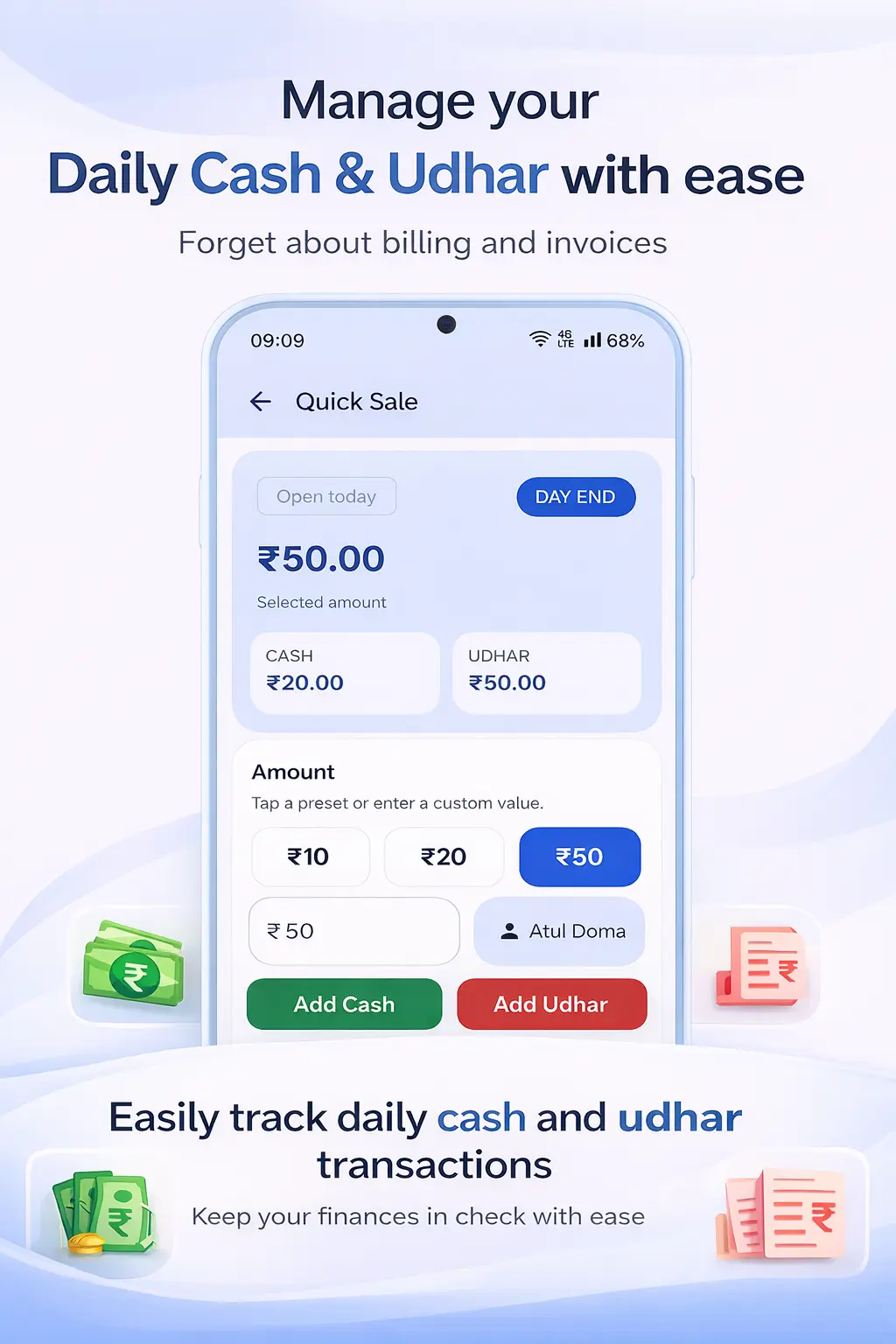
The Hidden Cost of Poor Udhar Management
Every Indian shop owner understands that credit is part of doing business with the local community. Refusing udhar to a long-standing customer can damage the relationship permanently. But extending credit without proper tracking is equally dangerous — and far more common than it should be.
When udhar is tracked in a paper khata book with no systematic reminders, the collection process depends entirely on the customer returning to the shop. Some customers genuinely forget. Others conveniently delay. And a small number treat untracked credit as effectively free. The result is that a significant portion of your working capital sits locked in outstanding dues — sometimes for months.
The solution is not to stop giving credit. It is to track it precisely, communicate balances transparently with customers and have a reliable reminder system that prompts payment before dues become old and harder to collect.
Understanding the Udhar-Jama Cycle
The udhar-jama cycle works like this: a customer takes goods on credit — this is udhar. When they come to pay, either partially or fully, that payment is jama. The running balance is the difference between total udhar and total jama. Your job is to keep this balance accurate and visible at all times.
In a good system, every udhar entry has a date, a description (what was purchased) and the amount. Every jama entry has a date and the amount received. The customer's ledger page shows the full history in sequence, so both you and the customer can see exactly how the balance was arrived at. Disputes become impossible when the record is this transparent.
How Ledgerly Handles Udhar and Jama
Ledgerly's Khata App treats udhar and jama as first-class concepts — not just as a secondary feature of a billing app. Every customer has their own ledger page. When you create a credit sale through Ledgerly, the udhar amount is automatically posted to the customer's account. No separate manual entry.
When a customer makes a payment, you record the jama from their ledger page. Enter the amount received, tap "Save" and the balance updates instantly. If they are paying via UPI, you can note the transaction ID. If paying cash, you note "cash." The record is complete and timestamped.
The Khata + GST Billing app integrates both the billing and the khata so your entire credit management workflow runs in one place. A credit sale creates both the GST invoice and the khata entry simultaneously. There is no risk of the invoice and the khata entry getting out of sync.
For kirana and grocery stores where udhar is a daily part of business, the Kirana Store Billing solution includes all of these features optimised for the pace and volume of a neighbourhood store.
Step-by-Step: Recording Udhar and Jama in Ledgerly
- Recording Udhar: Create a new sale for the customer. When saving, select "Credit" as the payment mode. The amount is automatically posted as udhar in the customer's khata.
- Recording Jama: Go to the customer's khata page. Tap "Record Payment." Enter the amount received and the payment mode (cash/UPI/bank transfer). Tap Save.
- Viewing the balance: The customer's current balance is shown at the top of their khata page — updated in real time with every entry.
- Sharing the statement: Tap "Share Statement" on the customer's page. Choose WhatsApp. The PDF statement showing all udhar and jama entries is sent to the customer.
- Viewing all outstanding udhar: From the Customers list, sort by "Outstanding Balance" to see which customers owe the most. Prioritise collection accordingly.
Frequently Asked Questions
What if a customer only partially pays their outstanding balance?
Record the partial payment as a jama entry for the amount received. The remaining balance stays as outstanding in the customer's khata. You can see the exact remaining due at any time.
Can I set a maximum udhar limit per customer?
Yes. Ledgerly allows you to set a credit limit per customer. When their outstanding balance reaches the limit, you are alerted before creating new credit sales for that customer.
How do I handle a customer who disputes an udhar entry?
Every udhar entry in Ledgerly is linked to the original invoice with the date, items and amount. You can show the customer the invoice directly from the app. In most cases, seeing the dated, itemised invoice resolves the dispute immediately.
Can I write off an old udhar that is unlikely to be collected?
Yes. Ledgerly allows you to mark a balance as a bad debt or write-off. This keeps your active outstanding balance accurate, while the written-off amount is recorded separately for your financial records.
Take Control of Your Udhar and Jama
Track every credit and payment digitally. Share WhatsApp statements and collect dues faster — start free with Ledgerly.
Try Ledgerly Free