
How to Send Invoice on WhatsApp — Quick Guide for Shop Owners
WhatsApp is how India does business. Customers expect their invoices on WhatsApp. Suppliers send quotations on WhatsApp. Payment reminders go on WhatsApp. If your billing system cannot share invoices directly to WhatsApp, you are adding unnecessary friction to every transaction.
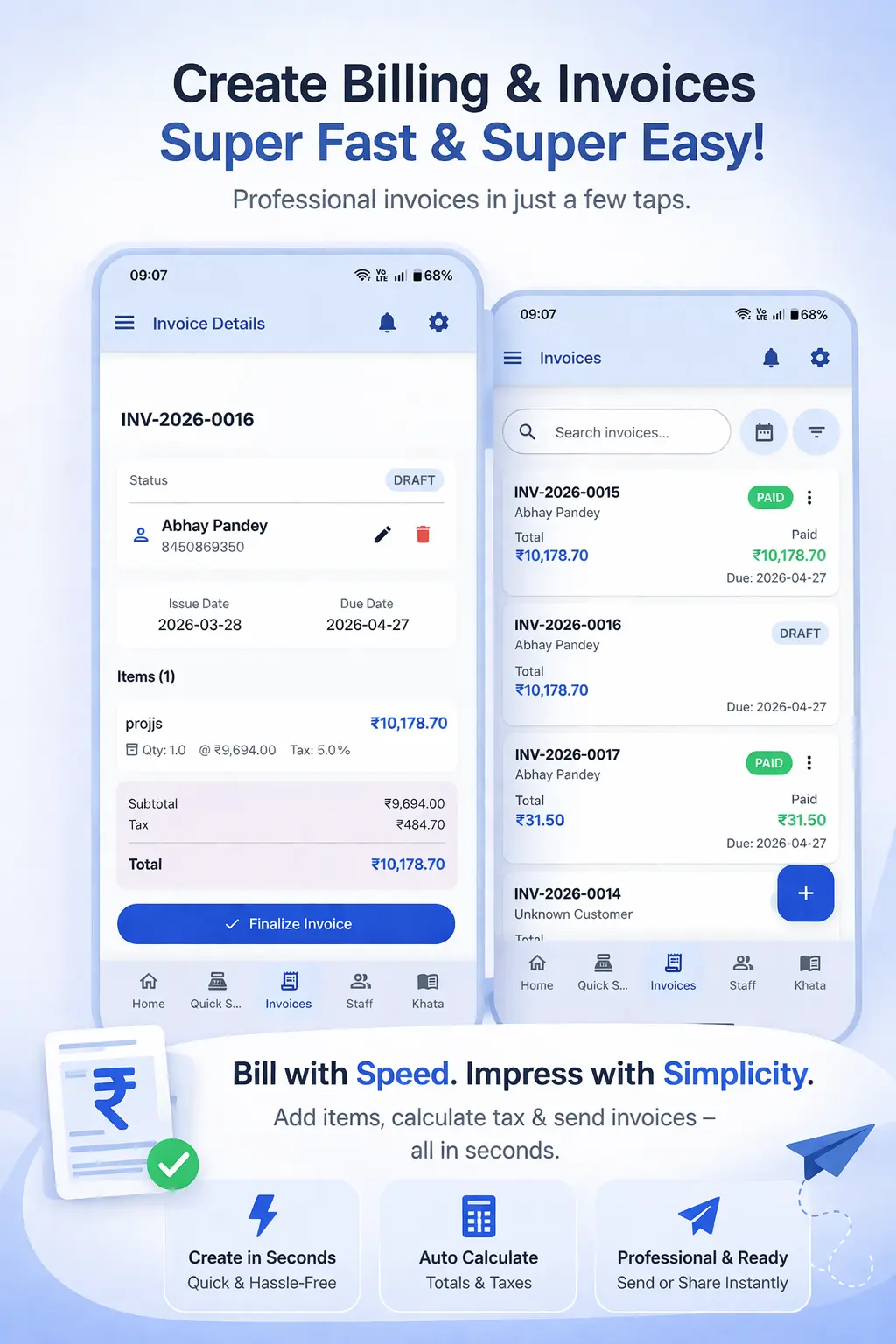
Why WhatsApp Invoice Sharing Has Become the Standard in India
India has over 500 million WhatsApp users. For small business owners, it is the primary communication tool for everything — customer conversations, supplier orders, payment follow-ups and now, invoice sharing. Customers who receive their bill on WhatsApp can view it instantly, save the PDF and share it with their accountant without any extra steps.
WhatsApp invoicing also serves a practical collection purpose. When you share a clean, professional PDF invoice on WhatsApp immediately after a sale, it serves as a reminder and a record. Customers know exactly what they owe and have the invoice documentation in their hands. This speeds up payment — especially for B2B customers who need the invoice before processing payment.
For shop owners who previously printed every bill, WhatsApp invoicing eliminates the cost of printing, the need for a printer at the counter and the time spent waiting for the printout. Sharing digitally is faster, cheaper and the customer gets a permanent record they cannot lose.
The Problem With Sharing Invoices Manually on WhatsApp
Many shop owners create invoices in one app (or on paper), then photograph or scan them and share on WhatsApp manually. This multi-step process is slow and error-prone. Photographs of handwritten bills look unprofessional. Scanned bills are low quality. And none of these approaches produce a searchable PDF that accountants and business customers can work with.
The solution is a billing app that generates a proper PDF invoice and shares it directly to WhatsApp in a single action — without having to leave the app, open the gallery, find the file and attach it manually.
How to Share Invoices on WhatsApp with Ledgerly
Ledgerly's GST Billing App has WhatsApp sharing built in. Here is how it works:
- Create the invoice in Ledgerly as you normally would — add products, confirm the customer, review the total.
- Tap "Save Invoice." The PDF is generated immediately within the app.
- On the invoice view, tap the "Share" button (or the WhatsApp icon if shown directly).
- Select WhatsApp from the share sheet. Ledgerly pre-fills the customer's phone number if you have it saved.
- The PDF opens in WhatsApp ready to send. Tap "Send" — the invoice is delivered to the customer in seconds.
The entire process from saving the invoice to the customer receiving the PDF takes under 15 seconds. No manual steps, no downloading, no attachment browsing.
WhatsApp Payment Reminders for Outstanding Dues
WhatsApp is not just for new invoices — it is also the most effective channel for payment reminders. When a customer has an outstanding balance, sending a polite reminder on WhatsApp is far more effective than a phone call and less awkward than asking in person at the shop.
Ledgerly lets you share a customer's outstanding statement directly to their WhatsApp number from the khata view. The statement PDF shows all transactions — dates, amounts and the current balance. Customers who receive this typically pay faster because there is no ambiguity about what they owe.
For customised WhatsApp reminder messages, try the free WhatsApp Payment Reminder Generator — it creates professional reminder templates you can copy and send instantly. For generating one-off invoices without setting up an account, the free Invoice Generator creates shareable PDF invoices that work on WhatsApp too.
Frequently Asked Questions
Can I send invoices to customers who are not in my phone contacts?
Yes. In Ledgerly, you can share an invoice to any WhatsApp number — not just saved contacts. When creating the invoice, enter the customer's number and the PDF can be shared to that number directly via WhatsApp.
What format is the invoice in when shared on WhatsApp?
Invoices are shared as PDF files. The PDF is professional, clearly formatted and includes all GST details, your shop logo, GSTIN and a QR code if applicable. Customers can open it in any PDF viewer and share it further if needed.
Can I schedule a payment reminder on WhatsApp to go out automatically?
Currently, Ledgerly lets you send reminders manually from the khata screen. Automatic scheduled reminders are a feature on the roadmap. For now, the WhatsApp Reminder Generator helps you create the right message quickly to send manually.
Is WhatsApp invoicing legal for GST purposes?
Yes. A PDF GST invoice shared on WhatsApp is a valid tax invoice under GST law, provided it contains all the mandatory fields (GSTIN, invoice number, item details, GST breakup etc.). Ledgerly's invoices include all mandatory fields automatically.
Send Every Invoice on WhatsApp in One Tap
Create GST invoices and share them instantly on WhatsApp — no printing, no manual steps, no delay. Start free with Ledgerly.
Try Ledgerly Free