
Online vs Offline Billing Software — Which Is Better for Small Shops?
When choosing billing software for your small shop, one of the first questions you face is whether to go online (cloud-based) or offline (installed on a local PC or device). Both approaches have genuine strengths and real weaknesses. The right answer depends on your shop's specific situation — and increasingly, hybrid solutions offer the best of both worlds.
What Is Offline Billing Software?
Offline billing software is installed directly on a Windows PC or laptop. All your data — invoices, products, customer records — is stored on the local hard drive. The software runs without internet access, which was a major advantage in the early days when broadband in India was expensive and unreliable.
Popular offline billing software in India includes Tally, Marg and Busy. These are powerful tools, but they come with significant disadvantages for modern small businesses: high upfront cost (often ₹10,000–₹25,000), complex interfaces that require training, and no access to your data from a mobile phone. If your hard drive fails without a backup, you could lose years of business records.
What Is Online (Cloud-Based) Billing Software?
Online billing software runs in the cloud. Your data is stored on secure servers and accessible from any device with internet — your phone, your PC, a tablet, even a browser on someone else's computer. Monthly or annual subscription fees are typically much lower than offline software purchase prices.
The advantages are significant: automatic backups (no data loss risk), access from anywhere, real-time sync between multiple devices, and updates that happen automatically without you doing anything. The perceived disadvantage has always been internet dependency — but this concern is largely addressed by modern cloud apps that include offline mode.
Online vs Offline: A Direct Comparison
- Data safety: Online wins. Cloud backup is automatic and continuous. Offline depends on manual backups that shop owners rarely do consistently.
- Internet dependency: Offline wins historically, but modern online apps with offline mode narrow this gap significantly.
- Mobile access: Online wins decisively. You cannot access offline software from your phone. Cloud apps work on Android, iOS and any browser.
- Cost: Online wins for most small businesses. No large upfront payment, just affordable monthly or annual fees.
- Multiple users: Online wins. Cloud software lets multiple staff members work simultaneously from different devices.
- GST updates: Online wins. When GST rules change, cloud software updates automatically. Offline software often requires paid upgrade purchases.
Ledgerly's Hybrid Approach — The Best of Both
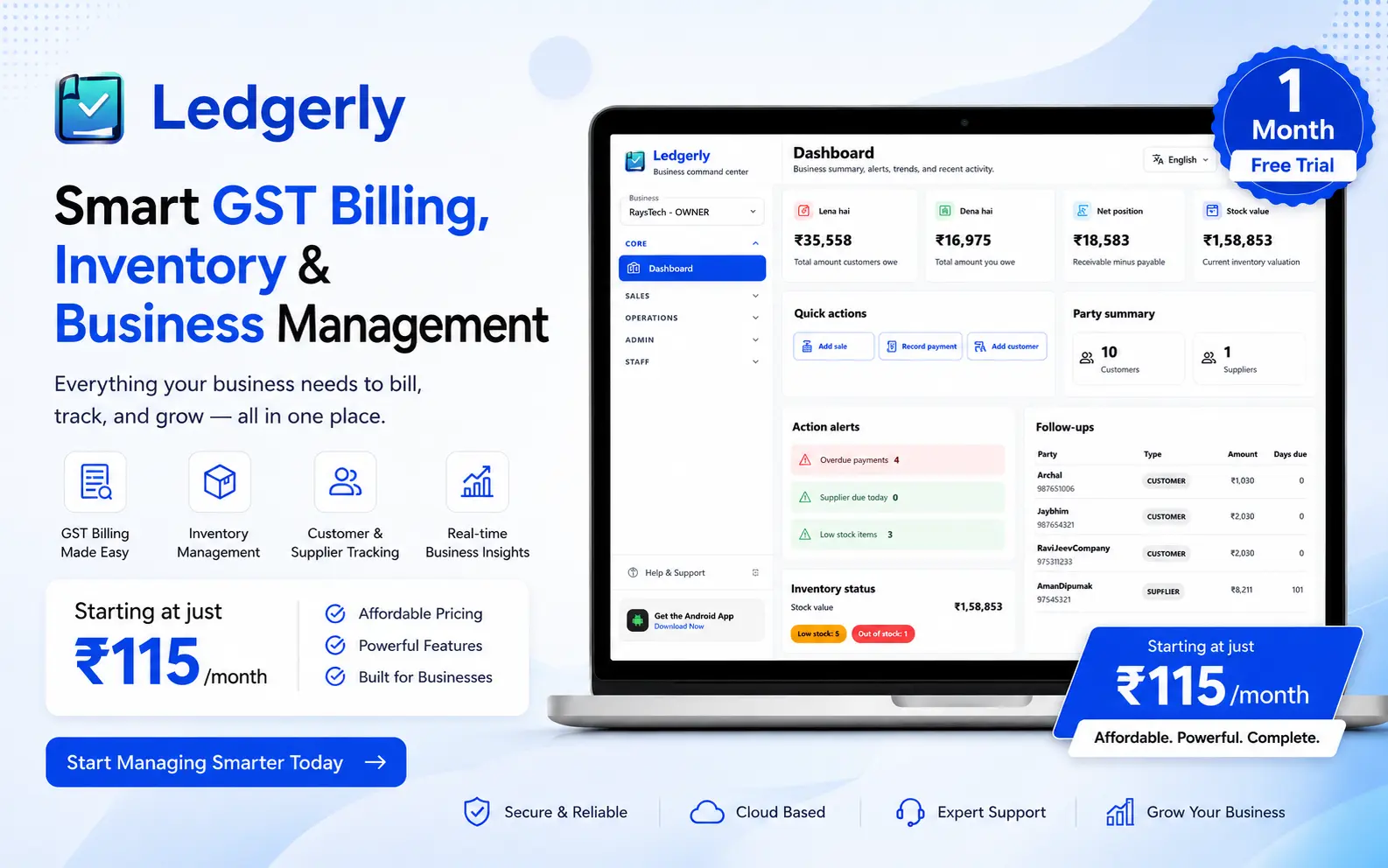
Ledgerly's GST Billing App is cloud-based but designed to handle offline environments intelligently. The Android app can create invoices, save data locally and sync to the cloud when connectivity is restored. This means you get cloud benefits — data safety, mobile access, multi-device sync — without being completely helpless during a network outage.
If you prefer working on a PC, Ledgerly also offers a full GST Billing Software for PC via the browser — no installation required. You get the same interface, same data and same invoices whether you are on your phone at the billing counter or on your laptop at home reviewing the day's sales.
The Khata App follows the same model — your customer ledgers are always available from any device, always backed up and always in sync. There is no version of "I was working on my home computer but the file is at the shop" with Ledgerly.
Step-by-Step: Switching from Offline to Online Billing
- Export your existing product list from your offline software (most support CSV export).
- Import the product CSV into Ledgerly — no need to add products one by one.
- Add your top 20–30 customers with their opening balances in the khata section.
- Run both systems in parallel for one week to get comfortable with the new interface.
- Once confident, fully switch to Ledgerly for all new invoices and customer tracking.
- Keep your offline software's historical data as an archive — you don't need to migrate old invoices.
Frequently Asked Questions
Will I lose my data if I switch from offline to online billing?
No. Your old data in the offline software stays there as an archive. In Ledgerly, you set up fresh with current product prices and customer balances. Historical invoices from offline software can be exported as PDFs for your records.
What happens to Ledgerly if the internet goes down at my shop?
Ledgerly's Android app stores data locally and queues transactions to sync when the internet comes back. You can continue creating invoices and saving sales even during an outage — nothing is lost.
Is cloud billing software safe? Who can see my data?
Ledgerly uses encrypted storage and secure connections. Your data is visible only to your account. Ledgerly does not sell or share your business data with third parties.
Is online billing software cheaper than offline in the long run?
For most small businesses, yes. A one-time offline purchase of ₹15,000 works out to ₹3,000 per year over five years — and that excludes upgrade costs when new versions are released. Cloud billing at ₹99–₹299 per month gives you continuous updates and new features included.
Try Cloud Billing — No Installation Required
Ledgerly works on any phone or browser. Your data is safe, always backed up and accessible from anywhere. Start free today.
Try Ledgerly Free