
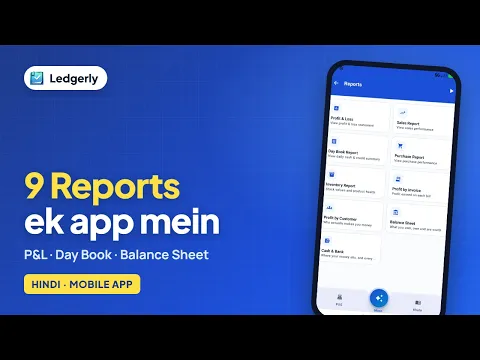
 How to check profit and loss, day book and balance sheet on mobile
Hindi with English subtitles · 9:10
Set a reporting period, read sales by product and customer, understand the profit and loss summary, check profit invoice by invoice and export the report as a PDF.
Ledgerly में बिक्री और मुनाफे की रिपोर्ट कैसे देखें? तारीख चुनें, P&L और ग्राहक के अनुसार प्रॉफिट समझें, और PDF डाउनलोड करें।
Tap a step to jump straight to that part of the video.
Follow along in the web app or the Android app. Core GST billing is free on Windows.
Related: All Ledgerly features
Short Hindi videos for each part of the app.
How to check profit and loss, day book and balance sheet on mobile
Hindi with English subtitles · 9:10
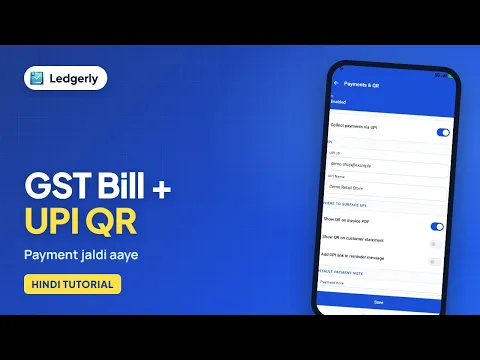 How to create a GST invoice with a UPI QR code
Hindi with English subtitles · 11:12
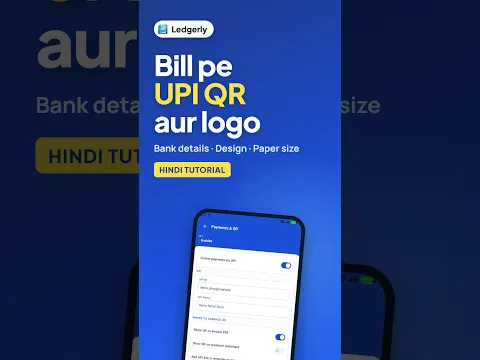 How to add a UPI QR code and bank details to your invoice
Hindi with English subtitles · 1:43
See all video tutorials or subscribe on YouTube.