Video tutorial · Hindi with English subtitles

How to create a GST invoice with a UPI QR code

Create a GST invoice step by step: choose the customer, add products, review tax and totals, finalise the sale, then add your UPI QR and bank details and print on A4, A5 or thermal paper.

Ledgerly में इनवॉइस कैसे बनाएं, बैंक डिटेल्स और UPI QR कैसे जोड़ें, और डिज़ाइन बदलकर PDF कैसे प्रिंट करें, सीखें।

11:12 video 29 steps Ledgerly app Hindi · English subtitles
Step by step

Steps in this video.

Tap a step to jump straight to that part of the video.

  1. 00:00A note about the pharmacy demo
  2. 00:19Create an invoice, step by step
  3. 00:40Open Create invoice
  4. 00:53Choose the customer
  5. 01:11Add products
  6. 01:28Check quantities and selling prices
  7. 01:45Automatic batch selection
  8. 02:15Review tax and totals
  9. 02:35Add an optional note
  10. 02:50Save the draft
  11. 03:05Choose Standard, COD or Credit
  12. 03:35Finalize the sale
  13. 03:57Print and follow the payment setup prompt
  14. 04:28Add bank details to the invoice
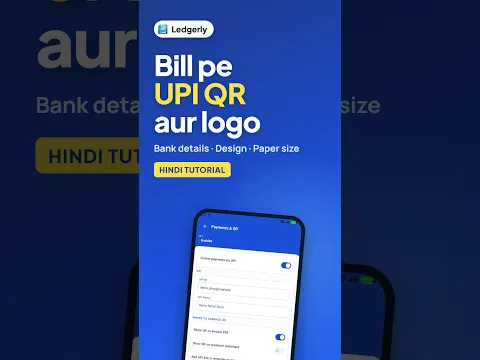
  15. 04:55Open Payments and QR from Invoice settings
  16. 05:12Add the UPI payment QR
  17. 05:41Return to the invoice and check the completed PDF
  18. 06:07Download the invoice with payment details
  19. 06:23A4 layouts: Modern and Classic
  20. 06:51Smaller paper: A5
  21. 07:09Thermal receipts: 80 mm and 58 mm
  22. 07:37Compare the exported PDFs
  23. 07:59Open the PDF for printing
  24. 08:17Customize the invoice appearance
  25. 08:41Font, table spacing and visible fields
  26. 09:12Rename the printed headings
  27. 09:47Watermark, stamp and signature
  28. 10:24Save and check the customized PDF
  29. 10:53Invoice created and exported
What you will learn
  • Choose a customer, add products and review prices, tax and totals
  • Understand automatic batch selection and Standard, COD or Credit options
  • Save a draft and finalize the invoice
  • Follow the Print PDF payment-setup prompt to add bank and UPI details
  • Compare A4, A5, 80 mm and 58 mm thermal PDF formats
  • Customize fonts, table spacing, visible fields, headings, watermark, stamp and signature
Try it yourself

Follow along in the web app or the Android app. Core GST billing is free on Windows.

Related: GST billing app

Mobile version

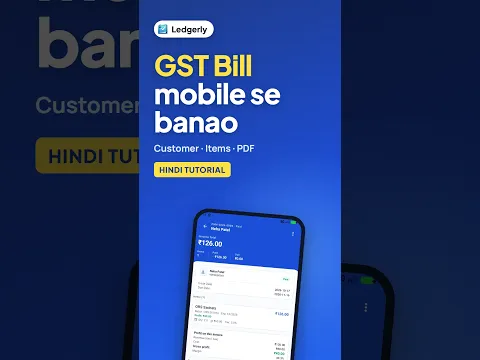
Using the Android app? Watch the short version.

The same task on Android in 2:45, with Hindi narration and English subtitles.

How to Make GST Bill on Mobile (Hindi) | Ledgerly thumbnail How to Make GST Bill on Mobile (Hindi)

Android · 2:45

Keep learning

More Ledgerly video tutorials.

Short Hindi videos for each part of the app.
See all video tutorials or subscribe on YouTube.

Open Ledgerly Web