
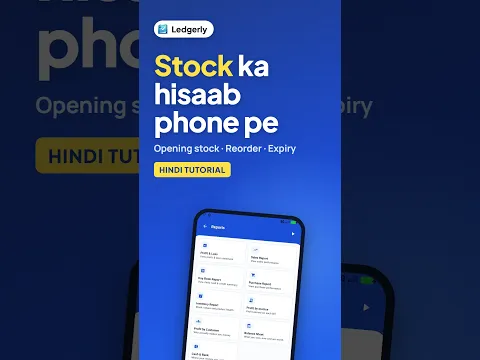
 How to Add Stock and Track Expiry on Mobile (Hindi)
Android · 2:59
Create a product with opening stock, save stock-in and stock-out adjustments, add a named batch with its quantity, check movement history and set reorder quantities and expiry alerts.
Ledgerly में शुरुआती स्टॉक कैसे जोड़ें, स्टॉक कम या ज़्यादा कैसे करें, और बैच, रीऑर्डर व एक्सपायरी की जानकारी कैसे देखें, सीखें।
Tap a step to jump straight to that part of the video.
Follow along in the web app or the Android app. Core GST billing is free on Windows.
Related: Inventory management app
The same task on Android in 2:59, with Hindi narration and English subtitles.
How to Add Stock and Track Expiry on Mobile (Hindi)
Android · 2:59
Short Hindi videos for each part of the app.
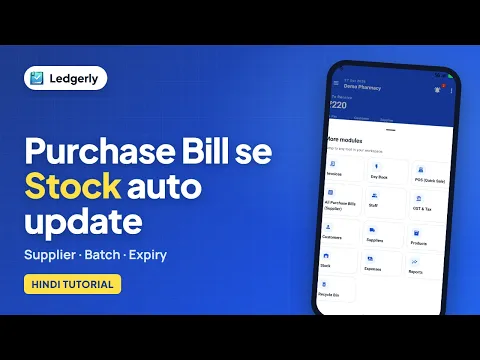 How to create a purchase bill and receive stock
Hindi with English subtitles · 4:41
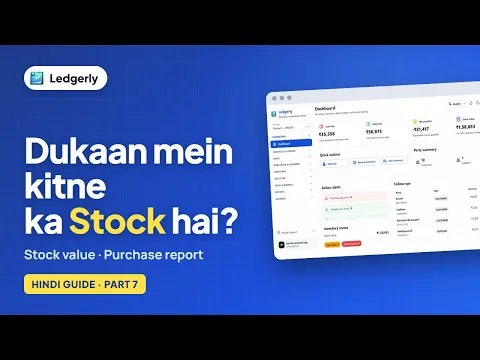 How to check stock value and purchase reports
Hindi with English subtitles · 3:47
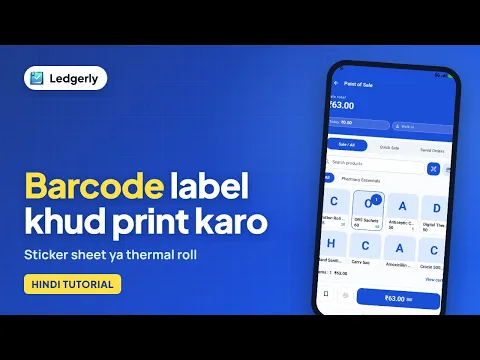 How to create and print barcode labels for your products
Hindi with English subtitles · 3:45
See all video tutorials or subscribe on YouTube.