
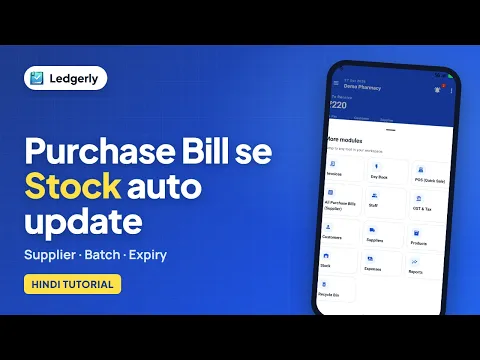
 How to create a purchase bill and receive stock
Hindi with English subtitles · 4:41
Read inventory cost and selling value, check each product's valuation, review low-stock and expiry alerts, and compare purchases by date, product and supplier.
Ledgerly में स्टॉक की वैल्यू और खरीद की रिपोर्ट कैसे देखें? कम स्टॉक, एक्सपायरी और सप्लायर के अनुसार खरीद की जानकारी समझें।
Tap a step to jump straight to that part of the video.
Follow along in the web app or the Android app. Core GST billing is free on Windows.
Related: Inventory management app
Short Hindi videos for each part of the app.
How to create a purchase bill and receive stock
Hindi with English subtitles · 4:41
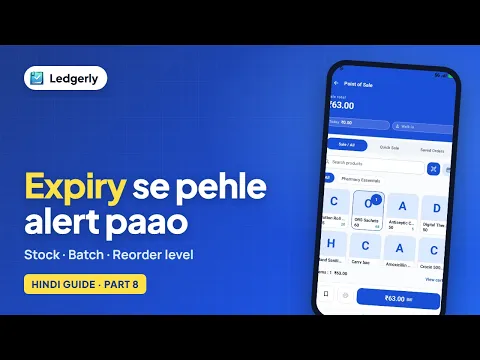 How to add stock and manage batches with expiry dates
Hindi with English subtitles · 4:18
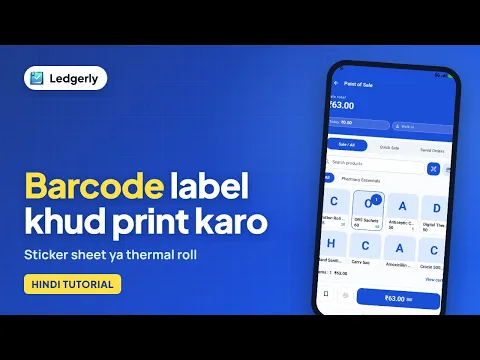 How to create and print barcode labels for your products
Hindi with English subtitles · 3:45
See all video tutorials or subscribe on YouTube.