
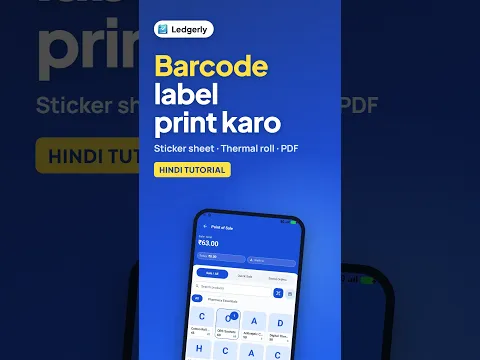
 How to Print Barcode Labels from Mobile (Hindi)
Android · 2:42
Select products, generate any missing barcodes, set label quantities, paper size and what prints on each label, then download the label PDF and print it.
Ledgerly में प्रोडक्ट के लिए बारकोड लेबल कैसे बनाएं और प्रिंट करें, आसान स्टेप्स में सीखें।
Tap a step to jump straight to that part of the video.
Follow along in the web app or the Android app. Core GST billing is free on Windows.
Related: POS billing app
The same task on Android in 2:42, with Hindi narration and English subtitles.
How to Print Barcode Labels from Mobile (Hindi)
Android · 2:42
Short Hindi videos for each part of the app.
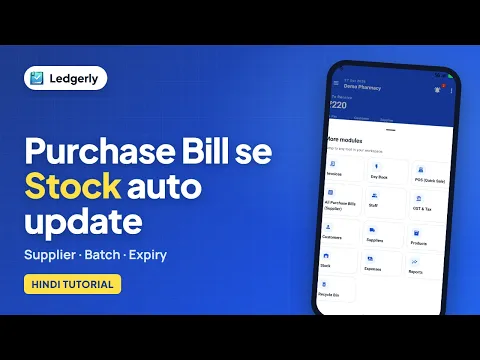 How to create a purchase bill and receive stock
Hindi with English subtitles · 4:41
 How to add stock and manage batches with expiry dates
Hindi with English subtitles · 4:18
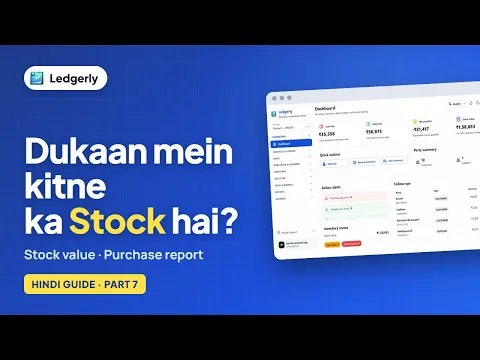 How to check stock value and purchase reports
Hindi with English subtitles · 3:47
See all video tutorials or subscribe on YouTube.