
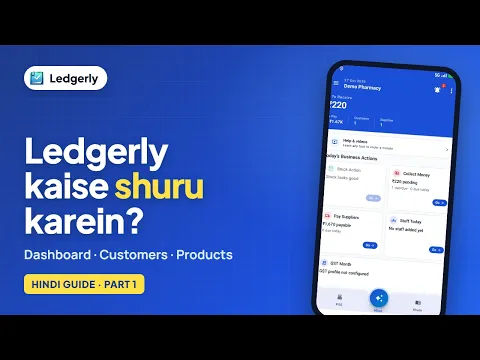
 How to start using Ledgerly: dashboard, customers and products
Hindi with English subtitles · 3:16
Check stock levels, alerts, batches and movement history, prepare barcode labels, choose a report and a date range, and find invoice appearance and payment settings.
Ledgerly में स्टॉक, रिपोर्ट और इनवॉइस सेटिंग्स कहाँ देखें? बैच हिस्ट्री, बारकोड लेबल और हेल्प के विकल्प भी जानें।
Tap a step to jump straight to that part of the video.
Follow along in the web app or the Android app. Core GST billing is free on Windows.
Related: Inventory management app
Short Hindi videos for each part of the app.
How to start using Ledgerly: dashboard, customers and products
Hindi with English subtitles · 3:16
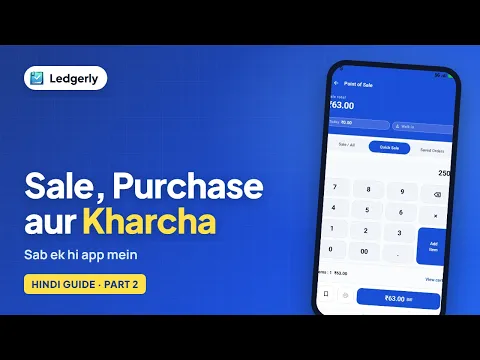 How to record sales, purchases and expenses in Ledgerly
Hindi with English subtitles · 3:23
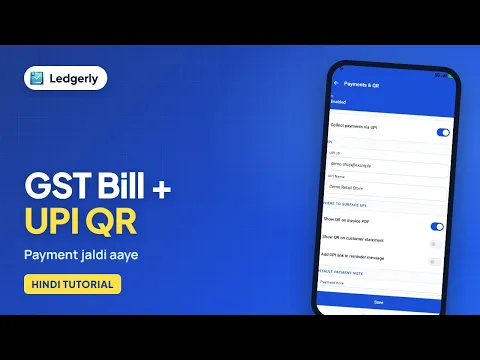 How to create a GST invoice with a UPI QR code
Hindi with English subtitles · 11:12
See all video tutorials or subscribe on YouTube.