
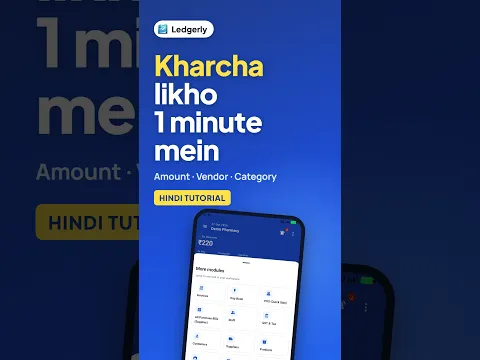
 How to Record Shop Expenses on Mobile (Hindi)
Android · 0:59
Find invoices and payment actions, start a sales invoice or quotation, review supplier purchase bills and record everyday shop expenses in the right place.
Ledgerly में बिक्री, खरीद और खर्च के विकल्प कैसे इस्तेमाल करें? इनवॉइस, कोटेशन और परचेज बिल की स्क्रीन देखें।
Tap a step to jump straight to that part of the video.
Follow along in the web app or the Android app. Core GST billing is free on Windows.
Related: GST billing app
The same task on Android in 0:59, with Hindi narration and English subtitles.
How to Record Shop Expenses on Mobile (Hindi)
Android · 0:59
Short Hindi videos for each part of the app.
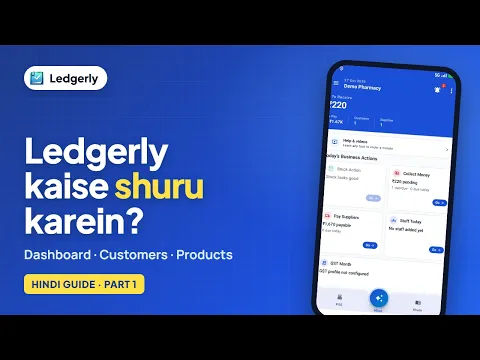 How to start using Ledgerly: dashboard, customers and products
Hindi with English subtitles · 3:16
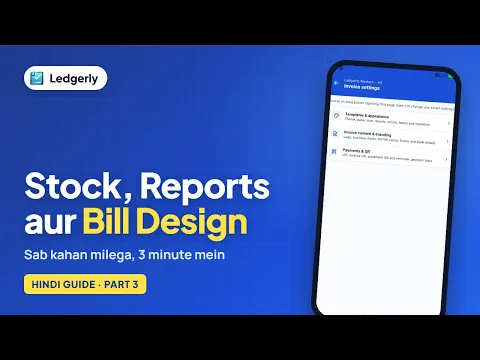 How to check stock, reports and invoice settings in Ledgerly
Hindi with English subtitles · 3:14
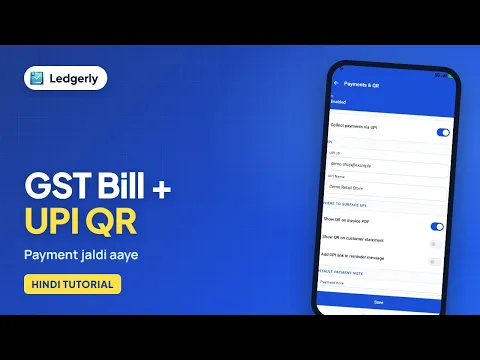 How to create a GST invoice with a UPI QR code
Hindi with English subtitles · 11:12
See all video tutorials or subscribe on YouTube.