
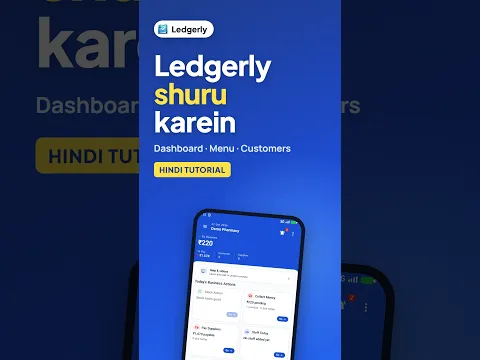
 How to Use Ledgerly App on Mobile: Getting Started (Hindi)
Android · 1:40
Your first look at Ledgerly: read the business dashboard, find a customer and understand the customer record, see where to add new customers and explore the product catalogue.
Ledgerly की शुरुआत कैसे करें? डैशबोर्ड समझें और ग्राहक व प्रोडक्ट की जानकारी जोड़ने के विकल्प देखें।
Tap a step to jump straight to that part of the video.
Follow along in the web app or the Android app. Core GST billing is free on Windows.
Related: How to use Ledgerly
The same task on Android in 1:40, with Hindi narration and English subtitles.
How to Use Ledgerly App on Mobile: Getting Started (Hindi)
Android · 1:40
Short Hindi videos for each part of the app.
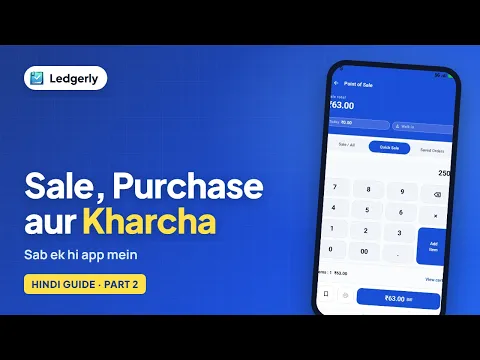 How to record sales, purchases and expenses in Ledgerly
Hindi with English subtitles · 3:23
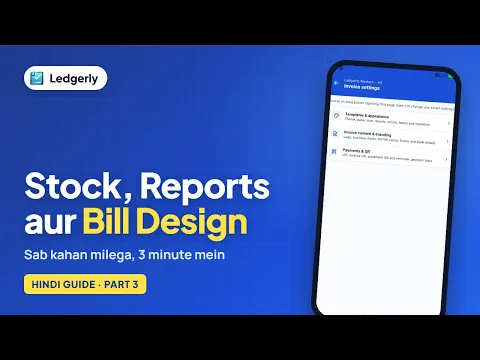 How to check stock, reports and invoice settings in Ledgerly
Hindi with English subtitles · 3:14
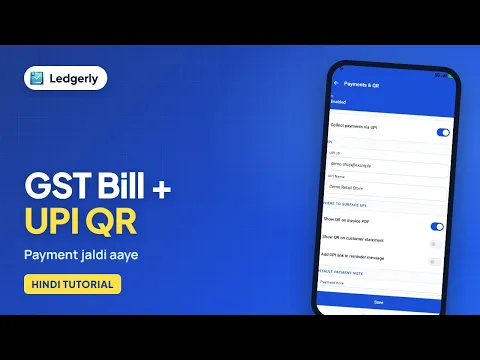 How to create a GST invoice with a UPI QR code
Hindi with English subtitles · 11:12
See all video tutorials or subscribe on YouTube.